
When was the last time you answered a call from a number you didn’t know? Sadly, spam calls and messages have become a part of daily life, though never a welcome one. That said, it never has to be a problem you have to happily accept, and in this article, we’ll show you how to prevent spam calls on your cellphone.
How to Prevent Spam Calls on Your Cellphone
We’ll be covering a few different options to block spam calls, which may differ depending on your device and service provider.
Scam Detectors Most Trusted Websites in Online Security
- Guard.io (100): Protect your digital world on any device – Guardio stops scams and phishing in their tracks.
- Incogni.com (100): Delete your personal data from the internet and protect against scams and identity theft.
- ExpressVPN (100) Stay secure and anonymous online - Best VPN Out There
Using Your Phone’s Systems
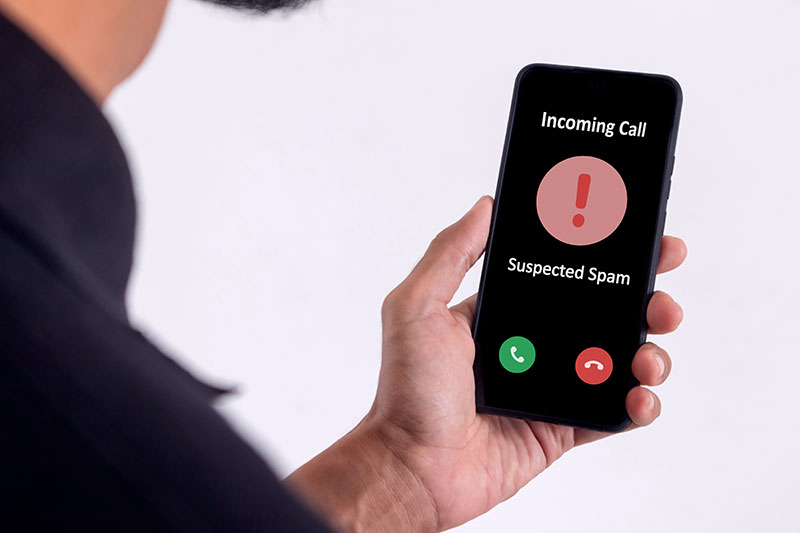
If a certain spam call number has been giving you grief every day, then why not block it? Both Apple and Android have built-in methods to block numbers and filter spam:
For Android users:
Step 1. Open your Call History and tap the number that’s been irritating you.
Step 2. Tap the “Block” option, and the number won’t be able to contact you again.
For iOS users:
Step 1. Open the Phone app and tap the “i” icon next to the number.
Step 2. Scroll down and tap the “Block Caller” option.
To filter spam callers, both operating systems have built-in features to help you out:
For Android users, Google’s spam features can help:
Step 1. Open the Phone app and navigate to “Caller ID & Spam.”
Step 2. You can enable both “See Caller ID” and “Filter spam calls.”
For iOS users:
Step 1. Open “Settings,” then “Apps.”
Step 2. Navigate down to “Phone.”
Step 3. Scroll down to “Call Filtering” and turn on “Unknown Callers” and “Spam.”
Using Your Network Features
If spam calls are the bane of your existence, then you need to know that they aren’t popular with your network either. Depending on your provider, you can also use their built-in features to filter your calls and block unwanted numbers. Also, depending on your provider, you may be charged for this service.
Verizon, for example, has a Call Filter Service that identifies potential spam, helps filter calls, and (in the paid service version) allows users to build up a list of spam callers to block and report.
AT&T Mobile offers subscribers the free ActiveArmor, which identifies known spam callers and sends them straight to voicemail. Paid versions of this app also offer VPN protection.
A network like T-Mobile also offers subscribers a proxy number with their app, keeping their personal number safe. Similar to Verizon, the advanced version of the app can build a list of blocked numbers.
Third-Party Apps
A very popular solution to spam calls the world over is to use an app to identify incoming calls and determine whether they are likely to be spam or not. These apps maintain an active and growing database of known spam calls and report these to their users. All offer some basic level of screening and protection for free, but most will charge for more advanced features. Some major apps include
- TrueCaller – One of the best-known filtering apps, TrueCaller works in the background to detect incoming calls and identify them.
- Hiya – Another well-known app, the premium version of Hiya allows you to look up numbers and provides regular updates on spam calls.
- Robokiller – This app filters your calls and allows you to add your own spam calls to that list. There are ads on the free version, but these are removed at the Premium level.
Verify Another website
Are you just about to make a purchase online? See if the website is legit with our validator:
vldtr®

TOP MUST-WATCH FRAUD PREVENTION VIDEOS
1. Top 5 Amazon Scams in 2024 2. Top 5 PayPal Scams in 2024 3. How to spot a scam Email in 2024
When my sweet old grandmother got caught up in an Amazon gift card scam, I decided then and there that I needed to do whatever I could to inform as many people as possible about the grifters of the world. That’s what I do here – writing about modern scams so you don’t get caught out.