

Have you received an email from FIFA offering you a job? If you haven’t previously applied for a position from FIFA’s official recruitment sites, don’t click the links in the email. It could be a phishing scam.
Here’s how to recognize the scam, and what to do if you’ve fallen victim to it.
Scam Detectors Most Trusted Websites in Online Security
- Guard.io (100): Protect your digital world on any device – Guardio stops scams and phishing in their tracks.
- Incogni.com (100): Delete your personal data from the internet and protect against scams and identity theft.
- ExpressVPN (100) Stay secure and anonymous online - Best VPN Out There
What Is the FIFA Job Scam?
Since the FIFA World Cup 2026 began, a variety of phishing scams have appeared. Some have focused on offering ticket sales or transfers, sponsored watch parties, events and merchandise discounts, or even parking and transport to and from stadiums.
But there’s a new and widespread variation on the theme: FIFA recruitment scams. You’re lured by email to a fake website where your credentials and credit card details can be harvested by the scammers.
How the Scam Works
Like many phishing scams, FIFA recruitment scams can look very convincing. You’ll typically receive a highly customized email that looks exactly like a legitimate communication from FIFA’s bona fide recruiters.
The sender’s address may be inherently suspicious, for example eryjhgfoieurfh@gmail[.]com. But it’s often from a legitimate-looking domain, such as careers-fifahiring.com or fifajobs.com.
FIFA’s official recruitment sites are jobs.fifa.com and fifa.pinpointhq.com. If the sender’s domain doesn’t match these, then the email is almost certainly a FIFA job scam.
The Phishing Email
The email may contain a compelling job offer from FIFA. The (fake) recruiter may also state that after looking at your work profiles, they’ve identified you as a potentially suitable candidate for certain positions at FIFA.
The email then presents a low-friction call to action — booking a preliminary interview. There’s no attachment for an email scanner to detect, just a link to “View Calendar Availability,” “Select a time here,” or something similar.
Clicking the Link
Clicking the link will open a branded landing page on a legitimate-looking website like fifahiring.com or fifa-careerhub.com.
On the landing page, you’ll be prompted to authenticate via Google or Microsoft SSO (e.g., “Continue with Google”). However, the moment you attempt to sign in, your corporate or personal credentials are harvested in real time.
Alternatively, you may be presented with a (fake) survey with Facebook-style dynamic testimonials. When you complete the survey, the kit redirects you to a payment processing site to cover a nominal shipping fee — capturing the raw card number, CVV, and expiry date in real time.
Either way, the harvested details are now at the scammer’s disposal.
How to Stay Safe
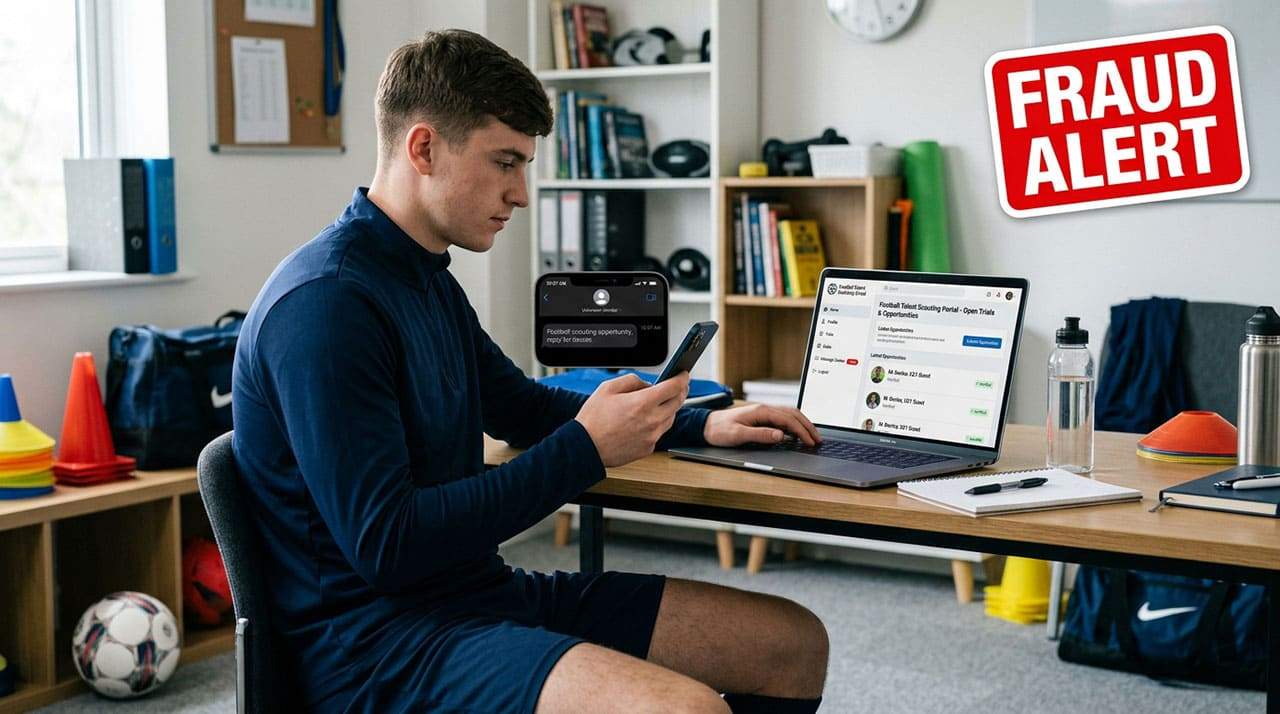
Follow these steps to ensure you don’t fall victim to this scam.
- If you haven’t previously applied for a position at the two official FIFA recruitment sites named above, any email offering you a position at FIFA should be treated as suspicious. Don’t click any links inside it.
- If you do click on the link, check that the website that opens is either of the two official sites. If it’s any other site, don’t click on any links, particularly not on any “Sign in with Google/Microsoft” or “Take the Survey”-type links.
What to Do if You Fell Victim
If you entered a password on a fake recruitment page, act fast:
1. Change the password for the account you entered. If you have reused the same account/password combination anywhere else, change it at each of them as well.
2. Check your account recovery settings for new emails or phone numbers that you don't recognize. For Google:
- Click or tap on your profile icon.
- Click or tap on “Manage your Google” account, then “Security & sign in.”
- Under “Security & sign in,” scroll to “Your devices” to see where you're signed in and remove any unknown and suspicious-looking devices.
- Check that the Recovery phone and Recovery email are yours and change them immediately if they’re not.
3. Turn on two-factor (2FA) or multi-factor authentication (MFA) for potentially affected accounts. The extra code sent to your SMS, inbox, or authenticator app helps prevent a scammer with your password from gaining access to your accounts.
4. If you entered a work email and/or password, report it ASAP to your employer’s IT or security team.
5. Report the fake page to the impersonated company and the relevant fraud reporting authority in your country.
If you entered your credit card details, contact the issuer’s fraud prevention desk immediately.
Verify Another website
Are you just about to make a purchase online? See if the website is legit with our validator:
vldtr®

TOP MUST-WATCH FRAUD PREVENTION VIDEOS
1. Top 5 Amazon Scams in 2024 2. Top 5 PayPal Scams in 2024 3. How to spot a scam Email in 2024
When my sweet old grandmother got caught up in an Amazon gift card scam, I decided then and there that I needed to do whatever I could to inform as many people as possible about the grifters of the world. That’s what I do here – writing about modern scams so you don’t get caught out.