
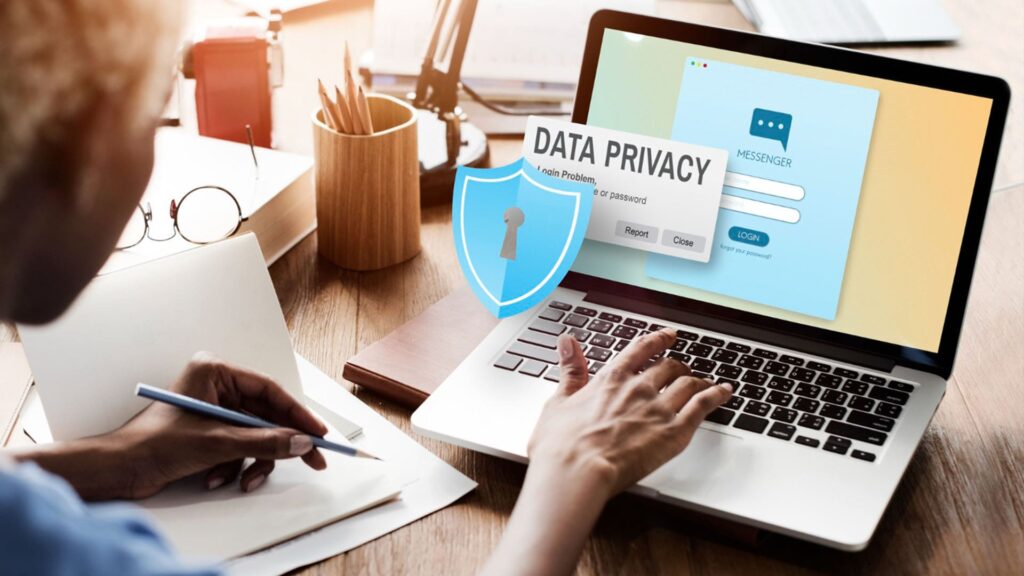
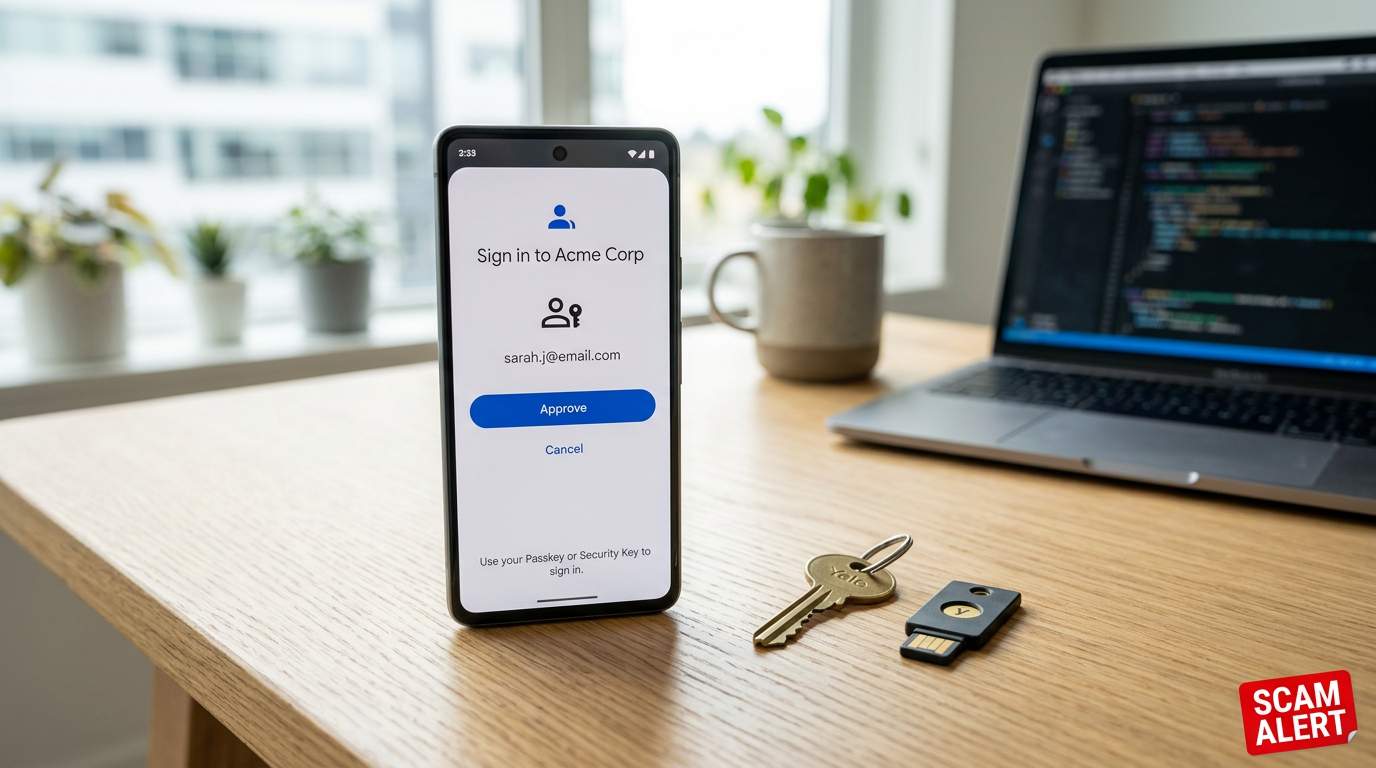
There are so many ways to protect your devices and make them more secure. Smartphones and laptops have gone beyond basic passwords and even two-factor authentication (2FA) and now encourage the use of a passkey, a login credential stored on your device, typically unlocked using a fingerprint, facial recognition, or a device PIN.
But are they secure? Follow this guide to find out how to keep passkey safe from scammers and ensure your devices and accounts are secure.
Scam Detectors Most Trusted Websites in Online Security
- Guard.io (100): Protect your digital world on any device – Guardio stops scams and phishing in their tracks.
- Incogni.com (100): Delete your personal data from the internet and protect against scams and identity theft.
- ExpressVPN (100) Stay secure and anonymous online - Best VPN Out There
A Brief Introduction to Passkeys
Most devices will now prompt you to set up a passkey. On iPhones, passkeys are typically secured using Face ID or your device passcode.
Many laptops also take you through the process of setting up fingerprint recognition or a secure PIN, which is used as a passkey for logging in.
As you use the device, though, you can set the same passkey as authentication for pretty much any account you access using the browser. Secure apps will use the same passkey. Although you may use the same device authentication method (such as Face ID or a fingerprint) across many accounts, passkeys generate unique credentials for each website or service.
Still, if someone does access your passkey – through device theft, social engineering, a phishing attack, or malware – they could, potentially, steal huge swathes of your personal information.
Scammers may use social engineering methods to gain access to passkey-locked accounts by creating fraudulent sites and accounts that look like the real thing. Knowing what to look out for can protect your data and your device.
How to Keep Passkey Safe: Method 1 – Never Share Logins
This one might seem obvious, but some colleagues or family members may share login details to make life easier, or when setting up an account for a child. Doing this creates a vulnerability that a malicious actor can exploit. Always have your own login for every account and keep those details private.
How to Keep Passkey Safe: Method 2 – Look Out For Redirects
If you’re trying to log in to an app or system and you’re suddenly redirected, close the window and report this to the relevant personnel, if it happens on a work device. For personal devices and connections, reboot your device, log in using the relevant app rather than a browser, and if the problem continues, contact the app owner (e.g., if you had this problem with Outlook, you’d contact Microsoft) to find out what to do next.
Unexpected redirects can sometimes be a sign of a phishing attempt, browser hijacking, or a malicious website. If a login page you’re redirected to looks suspicious, close it immediately and navigate directly to the official site instead.
How to Keep Passkey Safe: Method 3 – Never Respond to Unprompted 2FA Requests
You may receive a text or email that looks exactly like a 2FA request, with a code and a link to go to where you’re prompted to enter that code. But if you’re not actively in the process of trying to log into a system, this is more than likely a phishing scam. Delete and ignore.
Protect Yourself From Passkey Scams
Practice good passkey hygiene by changing passkeys and passwords regularly and, where possible, using different credentials for different accounts.
For more advice on staying secure online, sign up for Scam Detector’s Scam Alerts and stay ahead of the criminals trying to take advantage of the rapidly expanding use of passkeys and other security technologies.
Verify Another website
Are you just about to make a purchase online? See if the website is legit with our validator:
vldtr®

TOP MUST-WATCH FRAUD PREVENTION VIDEOS
1. Top 5 Amazon Scams in 2024 2. Top 5 PayPal Scams in 2024 3. How to spot a scam Email in 2024
When my sweet old grandmother got caught up in an Amazon gift card scam, I decided then and there that I needed to do whatever I could to inform as many people as possible about the grifters of the world. That’s what I do here – writing about modern scams so you don’t get caught out.