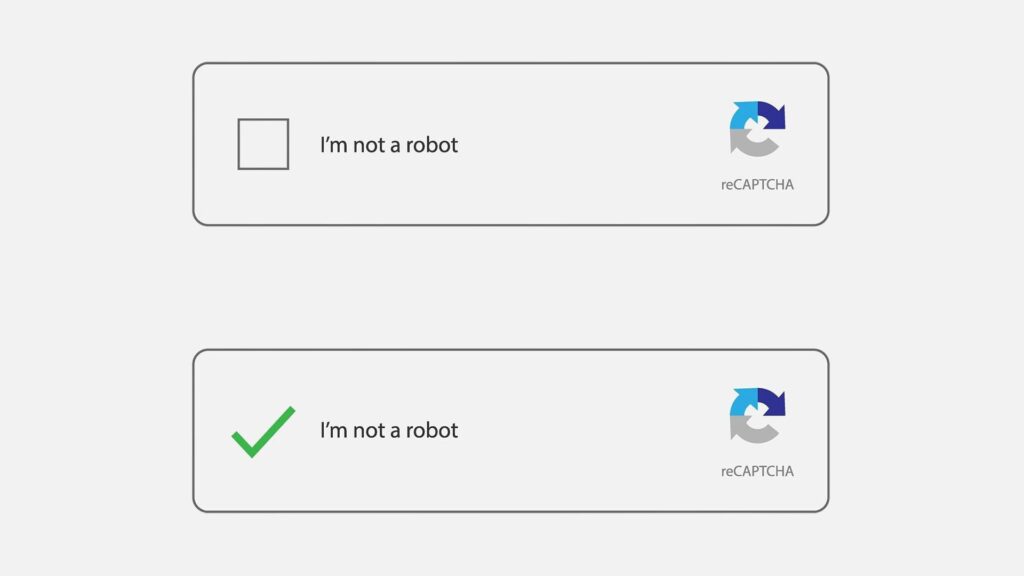
You might know that you should never follow an unknown link, but what about a CAPTCHA check? While they might seem less suspicious, fake CAPTCHA scam messages are increasing in number and purpose. Some download malware, some take you to a phishing site, but the scam we’re looking at today lands you with a huge phone bill instead.
Let’s take a look at what this scam entails and how to avoid it.
Scam Detectors Most Trusted Websites in Online Security
- Guard.io (100): Protect your digital world on any device – Guardio stops scams and phishing in their tracks.
- Incogni.com (100): Delete your personal data from the internet and protect against scams and identity theft.
- ExpressVPN (100) Stay secure and anonymous online - Best VPN Out There
Anatomy of the Scam – Fake Captcha Scam Messages
Fake CAPTCHA messages are on the rise, and this particular version has been running for a while. What’s worse is that it doesn’t seem restricted to any one country either.
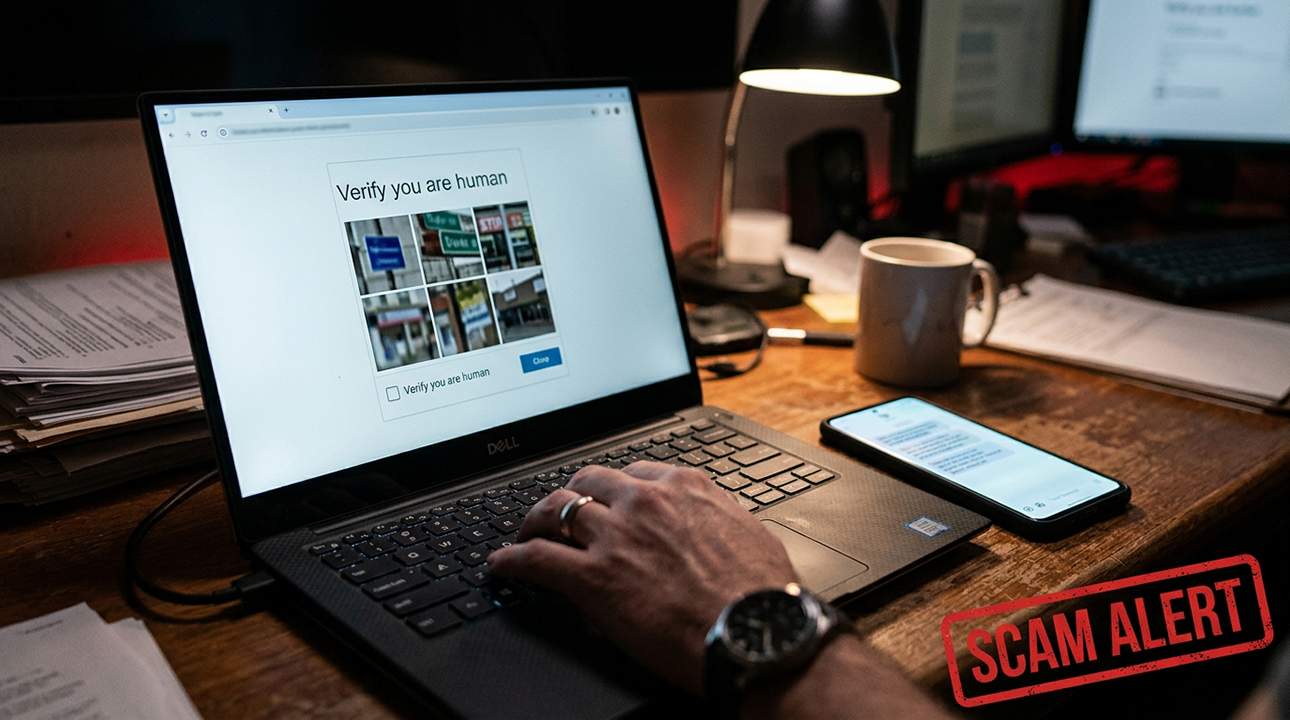
It happens when a user clicks the wrong link by accident or makes a typo. A CAPTCHA pops up asking them to prove they’re human. “'No big deal, this happens all the time,' they think. ‘Bring on the traffic lights.'” But there’s no such test, though, and the questions are instead about device operating systems or other spec questions.
Once done, one of two things happens. The user clicks the “Continue” button, and their messaging app is opened with a pre-filled message and multiple recipients. Or, as each CAPTCHA question is answered, a message is sent to a recipient. Each recipient is a premium-rate or international number that can generate high messaging charges, such as in Egypt, Myanmar, and Azerbaijan.
The user is then charged for multiple international or premium-rate messages, up to 15 in some instances. Interacting with just four questions can result in 60 messages sent. A portion of that fee goes to the owner of the number, i.e., the scammer.
This is thanks to a JavaScript function that runs with the captcha test, automating the process. Some scripts may also hijack the back button, ensuring there’s no escape from the test and increasing the likelihood the user will interact (and spend) more.
Avoiding the Scam
The fake CAPTCHA scam relies on Traffic Distribution Systems (TDSs) or fake ads to direct users to pages and scripts where the scammers are in control. To save yourself from a large bill at the end of the month, here’s what you need to keep in mind:
- The type of CAPTCHA – CAPTCHA tests are usually familiar: selecting blocks, or spelling out a code. If the CAPTCHA is asking you questions about phone models or network providers, especially for unrelated brands, you should be suspicious.
- Text responses – CAPTCHA responses are always completed on the browser; the responses are never sent by text message. If your messaging app opens at any stage, it’s a scam. Shut off your device at once.
- Monitor your bill – If you suspect you have been scammed by a CAPTCHA, then keep an eye on your bill. If anything odd pops up, especially charges to an international number, contact your service provider immediately.
- Contact your provider – Even if you haven’t been caught by the scam, if you encounter it, report it to your service provider. Try to include as much info (links, etc.) to help them take the appropriate steps to save others from falling into the trap.
- Install an antivirus – Good antivirus apps keep up to date with the latest scams and phishing attempts and can stop or warn users before damage is done. Consider installing one on your device.
Verify Another website
Are you just about to make a purchase online? See if the website is legit with our validator:
vldtr®

TOP MUST-WATCH FRAUD PREVENTION VIDEOS
1. Top 5 Amazon Scams in 2024 2. Top 5 PayPal Scams in 2024 3. How to spot a scam Email in 2024
When my sweet old grandmother got caught up in an Amazon gift card scam, I decided then and there that I needed to do whatever I could to inform as many people as possible about the grifters of the world. That’s what I do here – writing about modern scams so you don’t get caught out.