

Social media scams are nothing new, but they are becoming trickier to spot. The browser in browser scam on Facebook is one example of phishing, used for stealing account details, and worse. Let’s take a look.
Why Scammers Target Facebook Users
Facebook is the world’s most popular and widely used social media platform, which is the primary reason why it’s targeted by scammers. Cybercriminals can target thousands of users at a time, and even with a low success rate, this gives them access to accounts that they can then use for nefarious purposes.
Phishing for Facebook user account details allows criminals to:
- Commit identity theft
- Spread further scams among the users’ communities
- Access personal information that could help them crack into financial accounts
- Spread misinformation for a range of purposes
Some people still use the same login details for more than one account, so hacking a Facebook account could give a malicious actor access to numerous accounts and personal data. Regardless if you live in the United States or Mongolia, your account is at risk.
What Is the Browser in Browser Scam on Facebook?
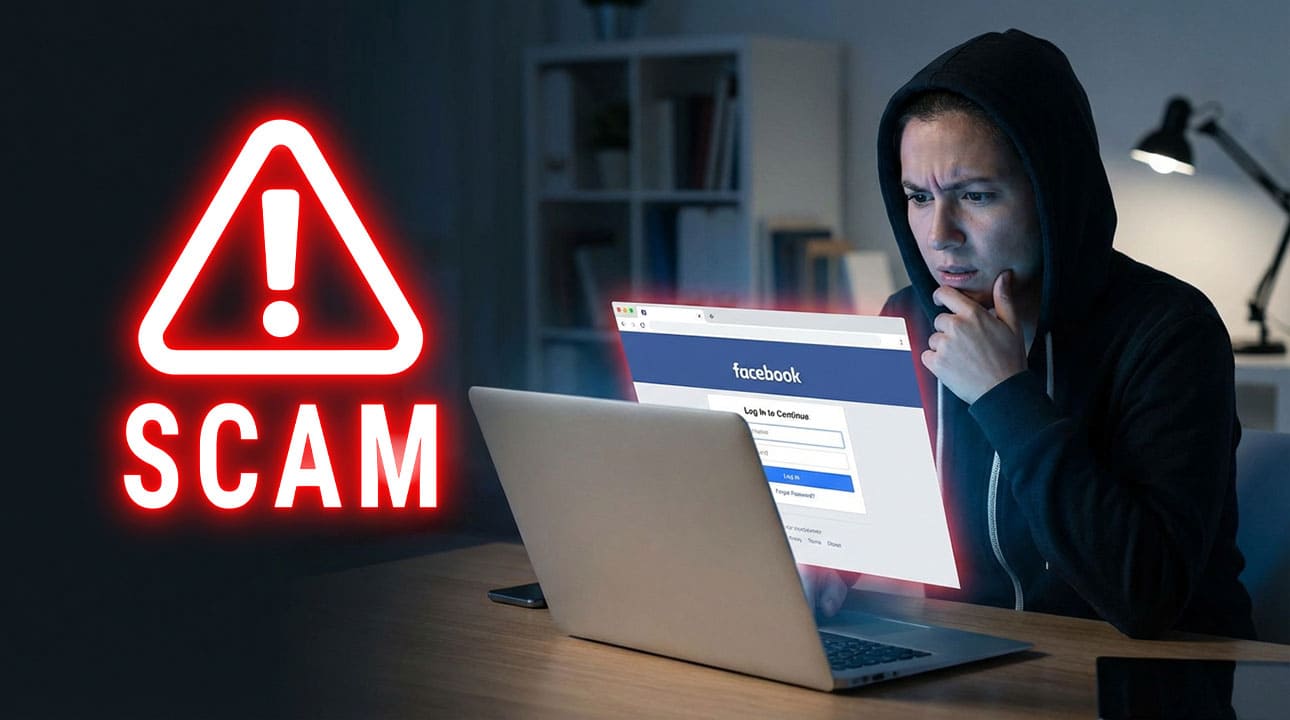
Browser in browser, or BitB for short, is a technique whereby criminals leverage a legitimate browser as a host for a fake login screen. The user enters their login details, and the criminal claims them and has instant access to the user’s full Facebook account.
These scams often start with an official-seeming email sent from a legal firm or Facebook, claiming that the user has infringed some law or regulation. Within the email will be a link to log in to Facebook.
Once the link is clicked, the user is taken to a very real-looking Facebook login page. The alarming fact is that this page is real; it just has a separate browser within it. Criminals are hardcoding the Facebook page into their scams so users will see the genuine Facebook URL at the top of the browser window.
The fake login screen grabs the user’s details as soon as they’re entered. Savvy criminals will usually change the user’s password quickly. This makes it challenging for the original user to regain access to their account or even report the issue.
How to Spot and Avoid the Browser in Browser Scam on Facebook
First of all, never trust an email sent from a “law firm” about your social media account. Search for the law firm online and, if it seems legitimate, call them on the telephone. If there’s no phone number, it’s unlikely to be a real law firm.
You should also never click a link to one of your accounts from inside an email. Instead, go to Facebook via your app or browser. If there is a genuine security concern, you’ll see a notification in the Facebook app.
Emails from scammers often have spelling mistakes, grammatical errors, and may seem “off” and unprofessional. However, don’t rely on this to “prove” that an email is fake. Follow the steps above and never share your login details via a link or email.
Stay Informed About Social Media Scams
The browser in browser scam on Facebook is just one way bad actors try to defraud people using social media. When you know what to look out for, you can browse in confidence and quickly report anything that looks suspicious. Sign up for Scam Detector’s Scam Alerts to get regular updates on social media scams and how to avoid them.
Verify Another website
Are you just about to make a purchase online? See if the website is legit with our validator:
vldtr®

TOP MUST-WATCH FRAUD PREVENTION VIDEOS
1. Top 5 Amazon Scams in 2024 2. Top 5 PayPal Scams in 2024 3. How to spot a scam Email in 2024
When my sweet old grandmother got caught up in an Amazon gift card scam, I decided then and there that I needed to do whatever I could to inform as many people as possible about the grifters of the world. That’s what I do here – writing about modern scams so you don’t get caught out.














scam.
question.
Is Malware safe?
Is Spyware safe?
I receive a lot of scams every day. How can I stop it.? I may need to purchase for stopping scams every day.