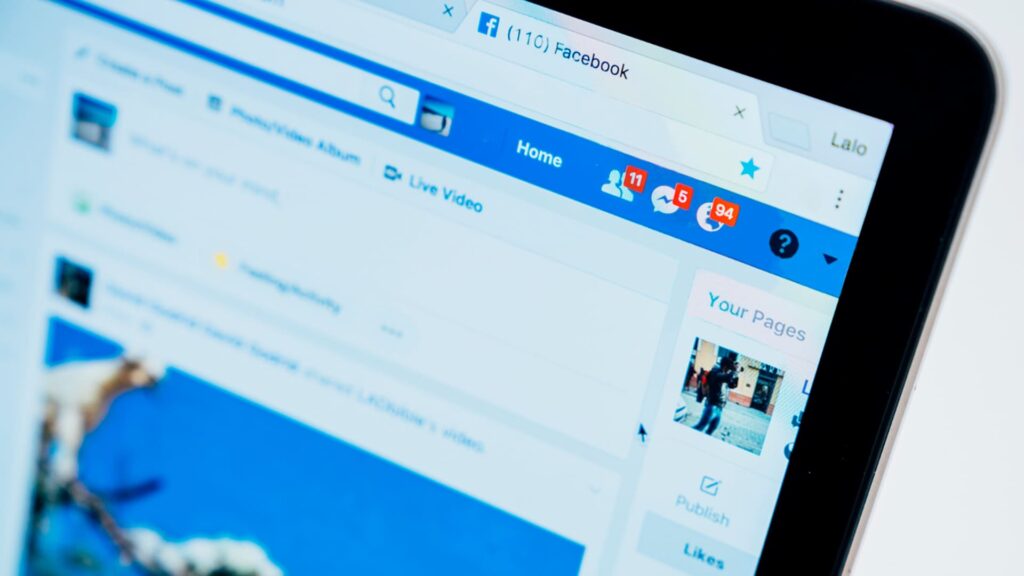
You open Facebook and see there’s a new friend request. Your heart skips, and you eagerly click that “Accept” button. But what if there’s somebody else behind the name and profile picture?
Sadly, fake profiles are all too prevalent, and it’s easy to get tricked if you don’t know what signs to look out for.
Scam Detectors Most Trusted Websites in Online Security
- Guard.io (100): Protect your digital world on any device – Guardio stops scams and phishing in their tracks.
- Incogni.com (100): Delete your personal data from the internet and protect against scams and identity theft.
- ExpressVPN (100) Stay secure and anonymous online - Best VPN Out There
Here’s what you should do to stay safe and avoid being caught out by the fake Facebook account scam.
Tip 1. Check the Profile Picture
One of the best things you can do to verify if an account is legitimate is to use Google Images to do a Reverse Image Search to see if an account’s profile picture is real.
Screenshot the profile picture with a phone or snipping tool on a desktop computer, navigate to Google Images, upload your screenshot, and use the “Search by image” function. Google will search for all other instances of that photo across the internet. If the image is showing up elsewhere, on other profiles or websites, or if it’s a stock image that can readily be downloaded, chances are you’re looking at Facebook account cloning or fake account.

Tip 2. Review the Profile Completeness
A cloned account will often fall short on details. If a profile is missing things like work history, location, education, family, or relationships, the chances are it’s fake. Genuine accounts include some or all of this information. Likewise, there may be out-of-place details. They may be located in a particular area, but claim to be the CEO of a large company on the other side of the world. These are all inconsistencies to look out for.
Tip 3. Look at the Friend List
If an account has few or no followers at all, this is cause for concern. Real users will have plenty of friends and followers in their local area and have at least some mutual friends with you, if they’re reaching out to connect.
Tip 4. Activity and Timing
Look for odd patterns, such as duplicate posts or very generic content. Often, fake profiles will have two or three similar posts with no comments or engagement from other users. Also, note when the account was created. Fake profiles will often be created on the same day or within a few days of when the friend request is sent to you. These are all red flags that point towards a scam profile that has been set up solely to con people.
Tip 5. Verify the URL
Check the URL (facebook.com/username) and make sure the person’s display name matches. If they don’t match, there’s a good chance you’re looking at an account that has been hijacked and is being used to impersonate someone else. Hackers will often change the display name to someone you recognize, scamming you into accepting a friend request, but the URL behind the name will be completely different.
Verify Another website
Are you just about to make a purchase online? See if the website is legit with our validator:
vldtr®

TOP MUST-WATCH FRAUD PREVENTION VIDEOS
1. Top 5 Amazon Scams in 2024 2. Top 5 PayPal Scams in 2024 3. How to spot a scam Email in 2024
When my sweet old grandmother got caught up in an Amazon gift card scam, I decided then and there that I needed to do whatever I could to inform as many people as possible about the grifters of the world. That’s what I do here – writing about modern scams so you don’t get caught out.