

If you’ve ever lost your iPhone or had it stolen, you know how much you hope that someone will find it and let you know. Unfortunately, if you receive a call or email saying your device has been found, it could be part of a recent AnonyMousKIT phishing scam.
Learn how the AnonyMous phishing scam works and how to avoid being caught out.
Scam Detectors Most Trusted Websites in Online Security
- Guard.io (100): Protect your digital world on any device – Guardio stops scams and phishing in their tracks.
- Incogni.com (100): Delete your personal data from the internet and protect against scams and identity theft.
- ExpressVPN (100) Stay secure and anonymous online - Best VPN Out There
What Is AnonyMousKIT?
AnonyMousKIT is just one platform in an emerging range of Phishing-as-a-Service (PhaaS) tools created solely to be sold to criminals. The “business” model works by allowing scammers to rent AI agents to call recent victims of iPhone theft.
The platform also lets scammers create fake Apple Support emails and a real-looking Apple-branded website. Each part of the scam is designed to trick victims into revealing login details that allow thieves to unlock stolen devices.
AnonyMousKIT Phishing Scam Explained
Scammers using the AnonyMousKIT phishing scam platform usually follow this process:
- They use the contact information displayed on a lost or stolen iPhone to contact its owner through an AI voice agent or another communication channel.
- The AI agent explains that they’re an Apple Support agent reporting that the device has been found.
- An email may back this claim up.
- IMEI and location information will be provided to make the claim seem genuine.
- A link will be provided for the scam victim to “verify their identity.”
- The link leads to a fake Apple.com or Find My site.
- The iPhone’s owner enters their login details.
- The scammer uses the fake site to steal these details and unlock the phone.
Most iPhones have an activation lock, which means that stolen devices cannot be reset without the original owner’s login details. Scammers are using this phishing kit to obtain these details, wipe devices, and sell them.
How to Avoid the AnonyMous Phishing Scam
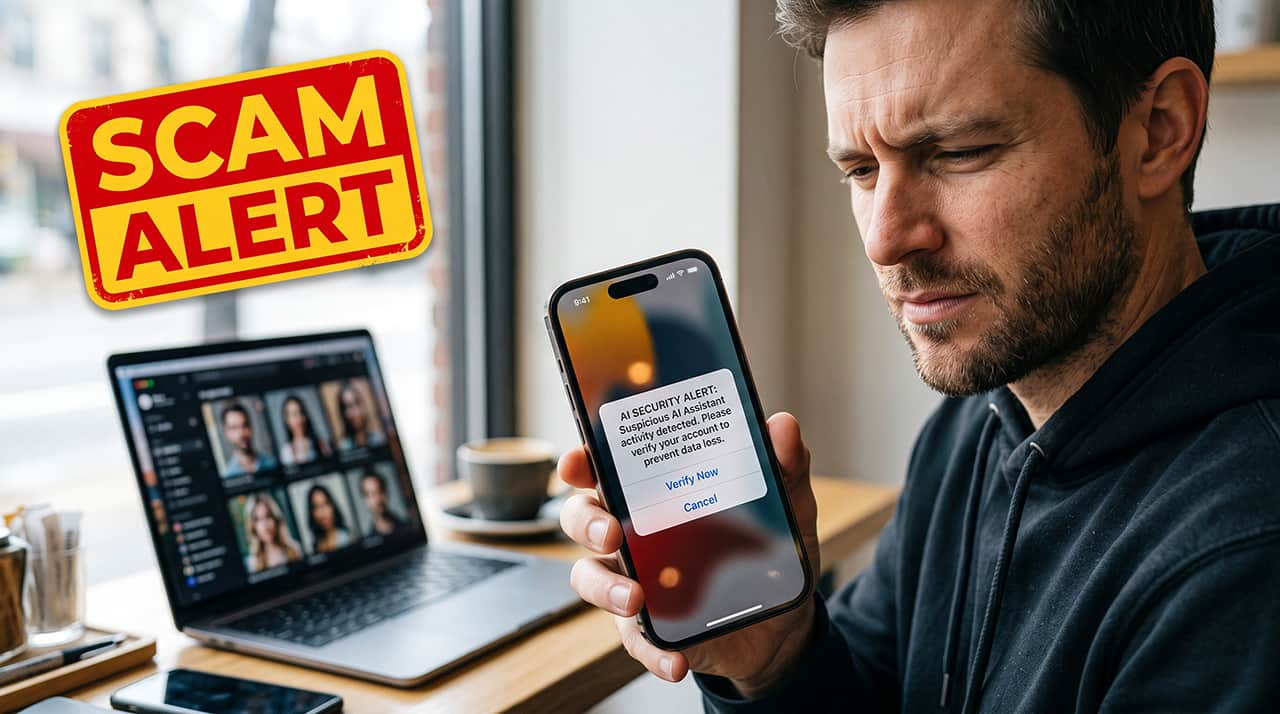
Reports currently state that the AnonyMousKIT AI persona is always “Alice from Apple Support,” although “Alice” may have conversations with scam victims in English, Portuguese, or Spanish. Of course, as the PhaaS platform becomes more sophisticated, more AI personas may develop, so looking out for calls from “Alice” might not be the only way to stay safe.
Remember:
- Apple Support will never ask you for details to remove an iPhone’s activation lock.
- They will also never ask you for your 2FA code, password, or other security information.
- Emails stating “Your device has been found” are likely to be fake.
Never give out your iPhone’s passcode, password, or any sensitive information to a random caller. If someone finds your phone and calls you to let you know, they won’t be a member of the Apple Support team. Apple has no way to monitor every individual iPhone, so a call from “Apple Support” about a lost or stolen device is immediately suspicious.
Be discerning and always report a stolen phone to the police or other relevant authority, e.g., security in a hotel. You can learn more about the latest PhaaS scams by signing up for Scam Alerts from Scam Detector. The more you know, the easier it is to avoid scams, even as they become more convincing.
Verify Another website
Are you just about to make a purchase online? See if the website is legit with our validator:
vldtr®

TOP MUST-WATCH FRAUD PREVENTION VIDEOS
1. Top 5 Amazon Scams in 2024 2. Top 5 PayPal Scams in 2024 3. How to spot a scam Email in 2024
When my sweet old grandmother got caught up in an Amazon gift card scam, I decided then and there that I needed to do whatever I could to inform as many people as possible about the grifters of the world. That’s what I do here – writing about modern scams so you don’t get caught out.