
Passkeys have become an effective way to secure accounts and devices. Unlike traditional passwords, passkeys use cryptographic credentials to verify your identity. You can unlock a passkey using your device's PIN, fingerprint, or facial recognition.
Unfortunately, scammers are using the desire to make accounts more secure to trick people into setting up passkeys on fake webpages. The scammer then uses the mockup account page to steal login details. Learn how passkey request scams work and how to avoid them below.
Scam Detectors Most Trusted Websites in Online Security
- Guard.io (100): Protect your digital world on any device – Guardio stops scams and phishing in their tracks.
- Incogni.com (100): Delete your personal data from the internet and protect against scams and identity theft.
- ExpressVPN (100) Stay secure and anonymous online - Best VPN Out There
How the Fake Passkey Setup Scam Works
The scam starts with a call or message from the malicious actor. Calls are more common for this type of scam, which moves it into the realm of “vishing” or voice-enabled phishing.
A caller will try to convince the victim that their account (usually a Microsoft account) isn’t secure enough, and they need to add a passkey.
If the victim believes them, they’ll be provided with a link to complete this action. The link takes the individual to a site that looks very similar to the real Microsoft account website. As part of the process, the victim will enter their Microsoft account username and password, provide a multifactor authentication code, or approve an authentication request. The attacker uses this information or approval to gain access to the real account.
In many cases, the scammer will set a passkey on the account, so that the victim loses access, at least temporarily. Once the bad actor has the data and access they need, they will terminate the call, and the victim will not be able to call them back.
The scam has become more prevalent in the latter half of 2026 because Microsoft has been prompting users to set up a passkey since May 2026. Those users are prompted to register a passkey when they next sign in and complete multifactor authentication. This increased exposure to legitimate passkey prompts could make fraudulent requests seem more convincing.
Don’t Get Caught Out By a Fake Passkey Setup Scam
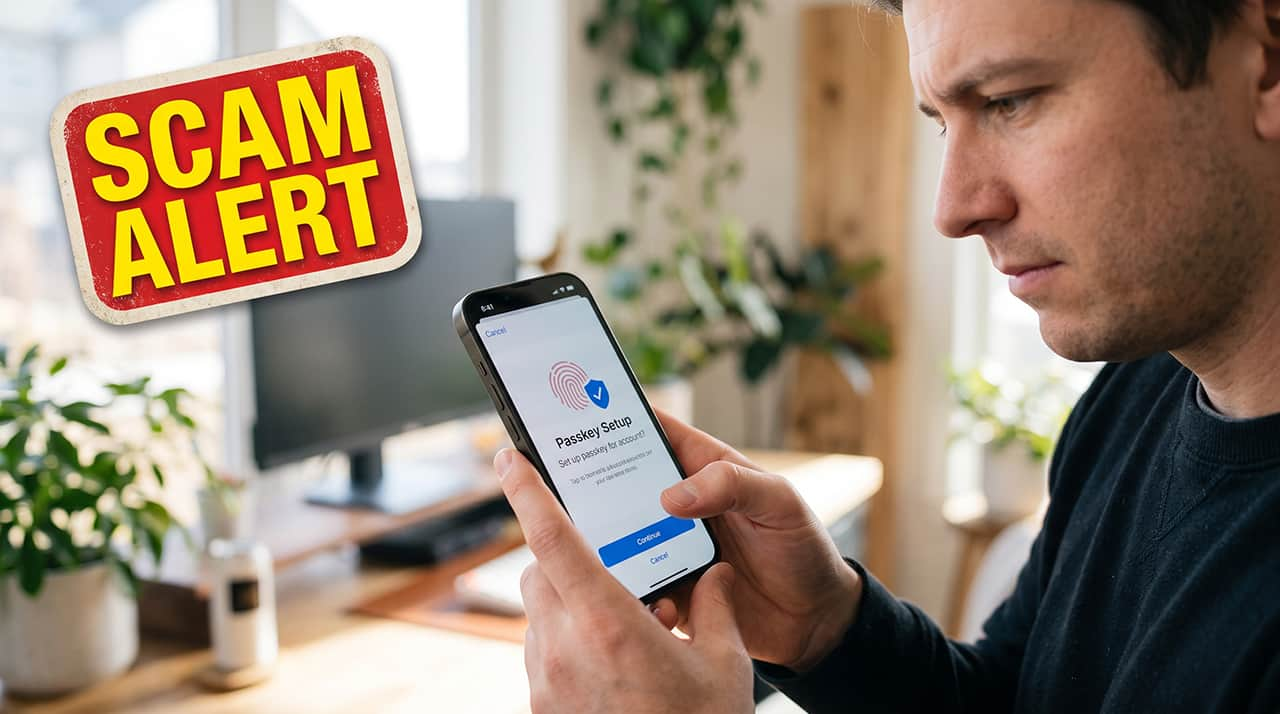
Microsoft will never call you to prompt you to set up a passkey. In fact, it’s so rare that Microsoft would ever call you at all, unless you have specific IT support or customer support queries that require a phone call.
Never trust someone trying to get you to access your account over the phone.
If you receive the passkey setup prompt as a message, never click the link in the message.
Instead, navigate to Microsoft.com and click the “Sign In” button from the home screen. Make any changes to your security settings from this page to ensure that you’re not accidentally interacting with a scammer or a fake site.
Passkeys are a great way to keep accounts secure, which is why scammers are targeting them. As long as you ignore suspicious messages and calls and always use official channels to set up security passkeys, your accounts should remain safe and secure.
Learn more about staying secure online by signing up for Scam Alerts from Scam Detector. You’ll receive regular updates on current scams and how to spot and avoid them.
Verify Another website
Are you just about to make a purchase online? See if the website is legit with our validator:
vldtr®

TOP MUST-WATCH FRAUD PREVENTION VIDEOS
1. Top 5 Amazon Scams in 2024 2. Top 5 PayPal Scams in 2024 3. How to spot a scam Email in 2024
When my sweet old grandmother got caught up in an Amazon gift card scam, I decided then and there that I needed to do whatever I could to inform as many people as possible about the grifters of the world. That’s what I do here – writing about modern scams so you don’t get caught out.