
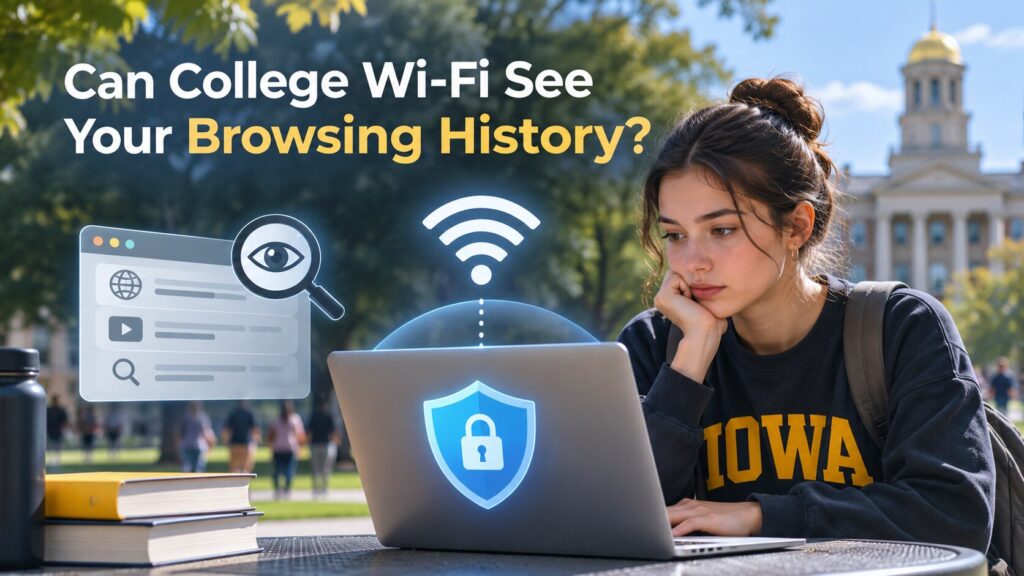
College Wi-Fi is part of everyday student life. Whether you're studying in the library, watching videos in your dorm, or checking social media between classes, you're probably connected to your school's network for hours each day.
But have you ever wondered whether your college can see what you're doing online?
Scam Detectors Most Trusted Websites in Online Security
- Guard.io (100): Protect your digital world on any device – Guardio stops scams and phishing in their tracks.
- Incogni.com (100): Delete your personal data from the internet and protect against scams and identity theft.
- ExpressVPN (100) Stay secure and anonymous online - Best VPN Out There
The short answer is yes, to some extent. College network administrators can often see which websites you connect to, when you're online, and how much data you use. However, they generally can't read the contents of websites protected by HTTPS.
If you want more privacy while browsing, using a free VPN service can help keep your online activity hidden from the campus network. Understanding what your school can actually see is a good place to start.
What Can Colleges See When You Use Their Wi-Fi?
College networks are designed to connect thousands of students, faculty members, and staff. To keep everything running smoothly, IT departments often monitor network performance, detect unusual activity, and maintain connection logs.
That means certain information about your internet usage may be visible.
Websites and Domains You Visit
When you visit a website, your device needs to find the server hosting it. This process can reveal information about the websites you're accessing.
For example, if you open YouTube, campus administrators may be able to identify that your device connected to youtube.com. However, they generally won't know which specific video you're watching.
The same applies to many other websites. Administrators may see the domain you're visiting without seeing the exact pages you open.
Students browsing on their personal iPhones can use a free iOS VPN to add another layer of privacy. A VPN encrypts traffic between the phone and a VPN server, reducing the website information visible to the campus network.
Connection Times and Data Usage
Colleges may also collect basic connection information, including:
- When your device connects to campus Wi-Fi
- How long your connection lasts
- How much data your device uploads or downloads
- Which device or student account is associated with the connection
For example, an administrator might notice that your laptop downloaded several gigabytes of data overnight without knowing which movie or files you downloaded.
What HTTPS Keeps Private
Most modern websites use HTTPS to encrypt information traveling between your browser and the website.
When you visit an HTTPS website, the exact pages you open, passwords you enter, and messages you send are normally protected from people monitoring the Wi-Fi connection.
This is why seeing that someone visited Google is different from seeing what they searched for.
Can College Wi-Fi See Your Search History?
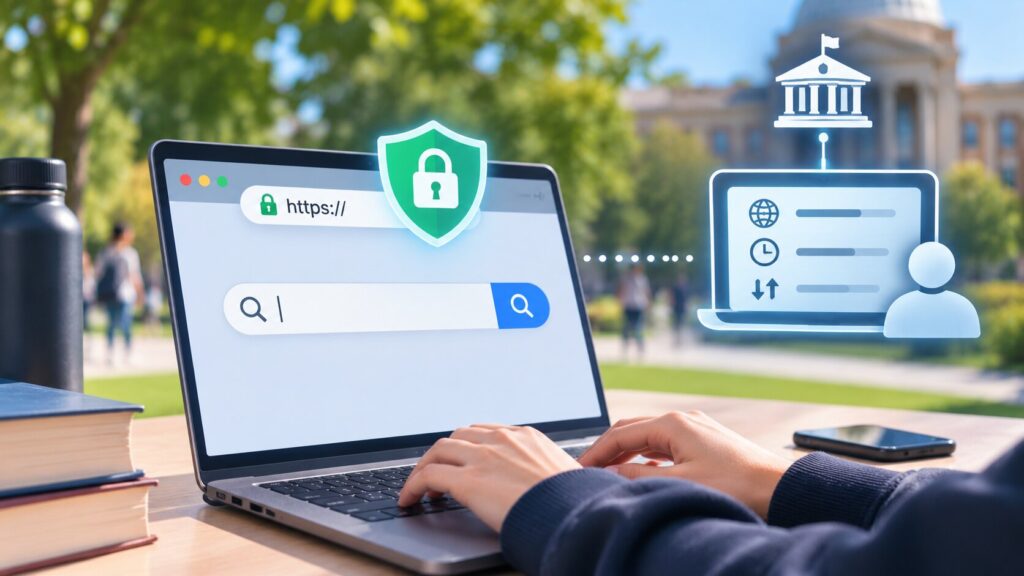
Your search history and your network activity aren't the same thing.
When you type a question into Google, the search itself is normally protected by HTTPS. Your college may see that you connected to Google, but it generally can't read the words you entered into the search box.
The same principle applies to searches on other major search engines.
However, network administrators may still identify websites you visit after clicking search results. DNS requests and other connection information can reveal domains even when the page contents remain encrypted.
There's another important distinction: your browser history is stored on your device, while network logs are maintained separately.
Deleting your browser history removes local records but doesn't erase information already collected by the university's network.
School-owned laptops may also have additional monitoring software, allowing administrators to access information that wouldn't normally be visible through Wi-Fi alone.
Can a VPN Hide Your Browsing Activity on College Wi-Fi?
A VPN is one of the most practical tools for improving privacy on a shared network.
Instead of sending your internet traffic directly through the campus network to each website, a VPN creates an encrypted connection between your device and a VPN server.
How a VPN Changes What Your College Can See
Without a VPN, the campus network may identify domains you visit through connection metadata.
With a VPN, administrators generally see an encrypted connection to the VPN server rather than separate connections to the websites you're browsing.
They may still see when you connect, how much data you transfer, and the VPN server's IP address, but the websites you visit through the VPN are much harder to identify.
Your selected VPN server location also determines which public IP address websites see.
For example, international students who regularly use Australian websites might prefer a VPN offering Australian servers. Connecting to an Australian server gives their browsing traffic an Australian VPN IP address.
The privacy benefit works the same way regardless of which VPN location you choose.
What a VPN Doesn't Hide
A VPN protects your traffic while it travels between your device and the VPN server. It doesn't erase browsing records already saved on your device.
Websites can still recognize you when you sign in to your accounts. Your college may also have additional visibility if you're using a school-managed computer with monitoring software installed.
For personal devices, a reputable VPN can make a meaningful difference in what campus Wi-Fi administrators can observe. Choose a provider with a clear privacy policy, since the VPN provider becomes another party involved in handling your connection.
Does Incognito Mode Hide Your Browsing History from College Wi-Fi?
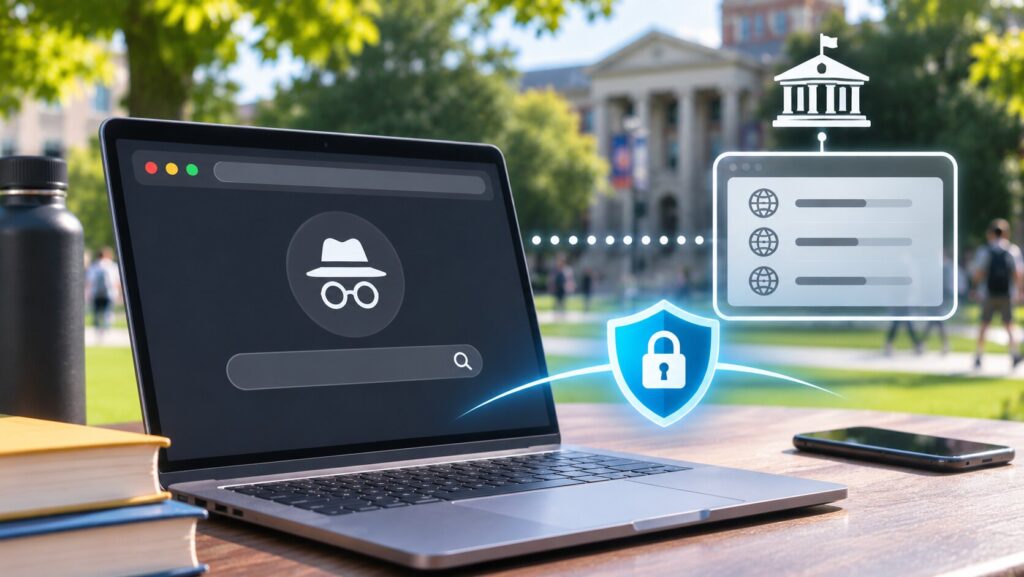
Many students assume that opening an incognito window makes their browsing invisible. That's not how private browsing works.
Incognito mode mainly controls what your browser saves locally.
When you close an incognito session, the browser generally removes temporary browsing history and session cookies. This can be useful when sharing a computer or keeping personal searches out of your regular browser history.
However, incognito mode doesn't encrypt your internet connection or hide network activity from your college.
Imagine opening an incognito window in your dorm and visiting several websites. Your browser won't keep those visits in its normal history after the private session ends, but the university network may still record the domains your device contacted.
A VPN serves a different purpose by encrypting traffic before it passes through the campus network.
You can use incognito mode and a VPN together, since they address different aspects of browsing privacy.
How to Protect Your Privacy on College Wi-Fi
You don't need advanced technical knowledge to improve your privacy on campus. A few simple habits can make your everyday browsing more secure.
Step 1: Use HTTPS Websites
Before entering passwords, payment information, or personal details, check that the website uses HTTPS.
Modern browsers usually indicate secure connections through the site information controls near the address bar.
HTTPS protects the information exchanged between your browser and the website, which is especially important on shared networks.
Step 2: Connect to a Trusted VPN
If you want to reduce the browsing information visible to campus administrators, consider using a VPN on your personal device.
Download a reputable VPN application, open it, and connect to an available server before browsing.
For everyday activities such as reading articles, checking personal accounts, or watching videos, the main benefit is keeping your traffic encrypted as it travels through the campus network.
Step 3: Keep Your Devices Updated
Software updates often include fixes for security vulnerabilities.
Enable automatic updates for your phone, laptop, browser, and frequently used applications. Avoid installing unfamiliar browser extensions or software from untrusted sources.
These habits help protect your device against threats that VPN encryption alone cannot address.
Step 4: Check Your College's Wi-Fi Policies
Universities often publish acceptable-use policies explaining how their networks operate and what activity may be monitored.
Look for information on connection logging, device registration, and the use of personal VPNs.
Understanding these policies helps you make informed choices about which network to use for different activities.
Final Thoughts
College Wi-Fi administrators can often see more than students realize, including website domains, connection times, and data usage. But that doesn't mean they can read every search, message, or webpage.
HTTPS protects website content, incognito mode limits locally stored browsing history, and a VPN adds privacy by encrypting traffic through the campus network.
For students using shared university networks every day, understanding these differences makes it easier to protect personal information and browse with greater confidence.
Verify Another website
Are you just about to make a purchase online? See if the website is legit with our validator:
vldtr®